
Snap Bar
How to use
the cameras
Fujifilm Instax Mini Evo
1 Turn it on
1
Turn it on
Small round knob on the front.
Turn it to ON.
Ten dots on screen — you're full.
2 Creative effects
2
Creative effects
Spin the lens for lens effects.
Top knob for film effects.
Little top button resets everything.
3 Take a snap
3
Take a snap
Two shutter buttons: front and top.
Press halfway to focus, fully to shoot.
Tiny mirror on the front for selfies.
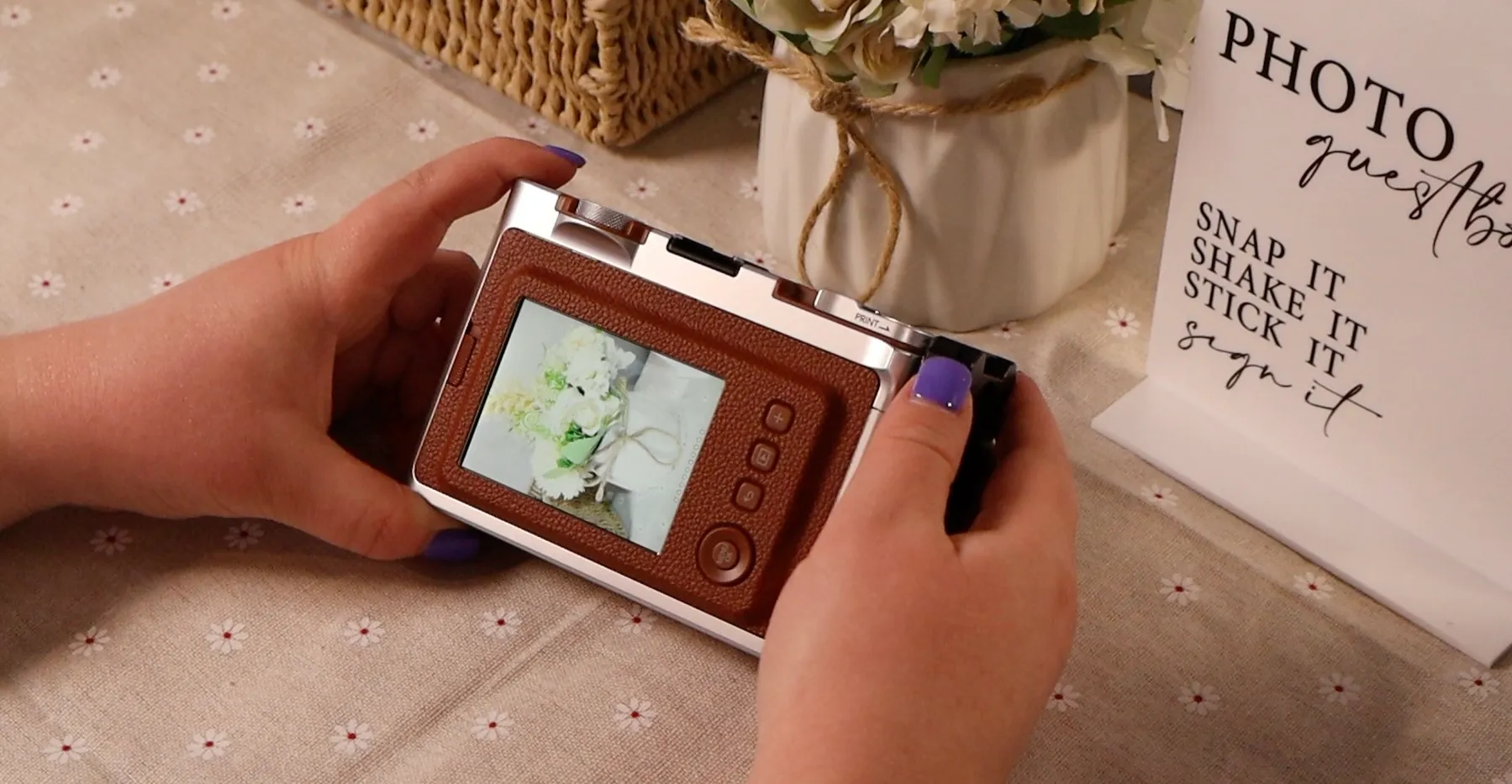
4 Review & print
4
Review & print
Tap Play to browse your shots.
Only print your absolute fave — film is shared with other guests!
Big lever on the back to print.
~90 sec to develop. Don't shake it.