
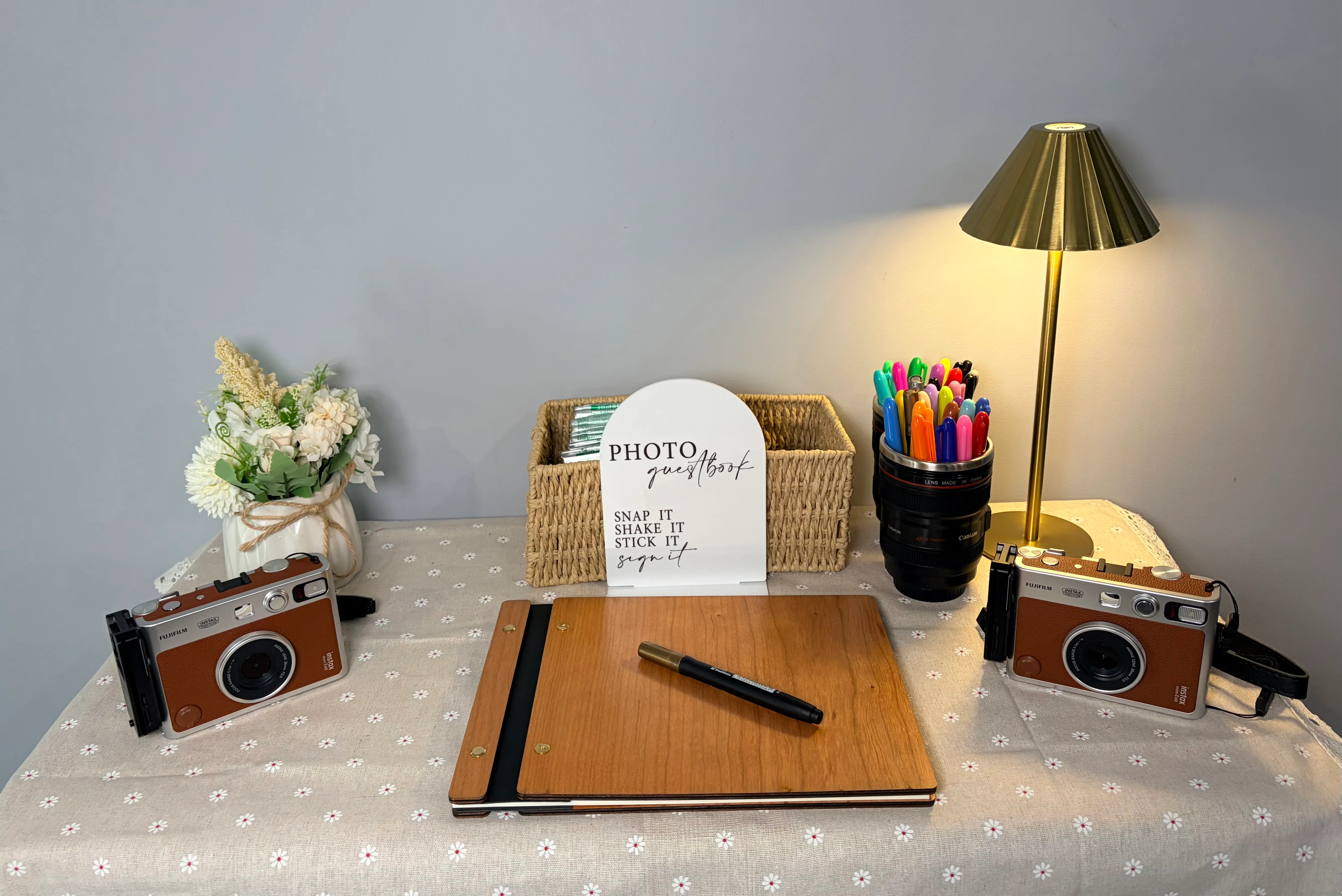
Snap Bar
Changing
the film
Fujifilm Instax Mini Evo
1 Unlock the door
1
Unlock the door
Camera off first.
Slide the latch near the screen with your finger.
2 Open the door
2
Open the door
Slide the latch with just your fingernail or fingertip — keep clear of the door itself.
Tilt the camera down and let gravity swing it open.
3 Unwrap the pack
3
Unwrap the pack
Tear off the foil wrapping.
Don't open the plastic case — leave that to the camera.
4 Remove old pack
4
Remove old pack
Lift the old cartridge out.
Pop it in the bin provided.
5 Line up markers
5
Line up markers
Yellow mark on the cartridge.
Yellow mark inside the camera.
Line them up before closing.
6 Close the door
6
Close the door
Press gently until it clicks.
The latch locks itself automatically.
7 Bin the scraps
7
Bin the scraps
Camera ejects a black cover — bin it.
Bin the foil and old cartridge too.
8 You're ready!
8
You're ready!
Ten dots on screen means a full pack.
Get snapping!